

PDF QR Code Generator: Turn Any PDF Into a QR Code
Upload a PDF, design the code, and track every scan. Print size, static vs dynamic and common mistakes included.
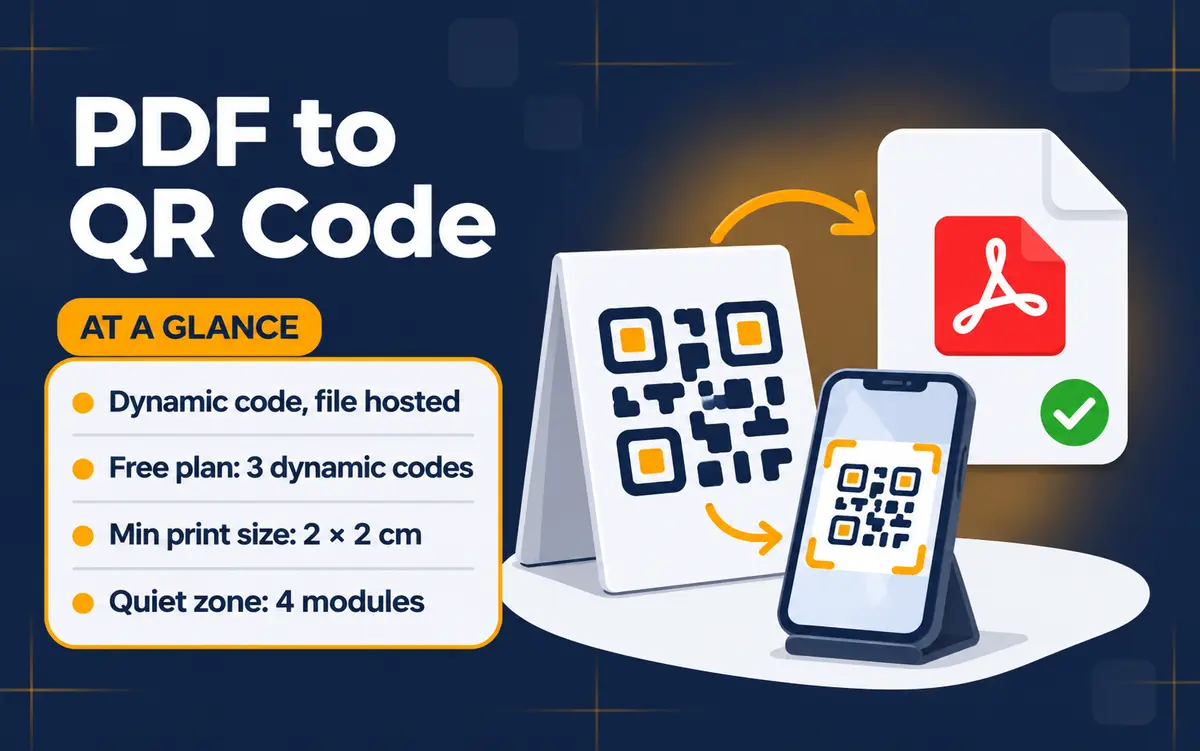
A PDF QR code is a scannable code that opens a PDF on the scanner's phone. With QR Code Rabbit's PDF QR code generator you upload your file, design the code and download it, and anyone with a phone camera can read or download the document. It suits menus, brochures, manuals and forms.
On this page
Section 01
What is a PDF QR code?
A PDF QR code opens a PDF on the scanner's phone, where it can be read and downloaded. QR Code Rabbit hosts the file for you, so you need no website or file server.
QR Code Rabbit hosts the PDF you upload and gives you a dynamic QR code that opens it in a viewer on any phone. Readers need no app, because iPhones running iOS 11 or later and most Android phones scan QR codes with the built-in camera. You can print a 20-page manual as one small square: the paper stays cheap and the full document stays one scan away. Because the code is dynamic, you can replace the file later in the edit wizard without reprinting, protect it with a password, schedule when it goes live, set an expiry date or a scan cap, and see scans by city, country and device.
Picture the printed code as a doorway and the PDF as the room behind it. With a dynamic code you can swap what is behind the doorway later, which is why this type matters more than a plain link in a square.
Section 02
How do you use a PDF QR code generator?
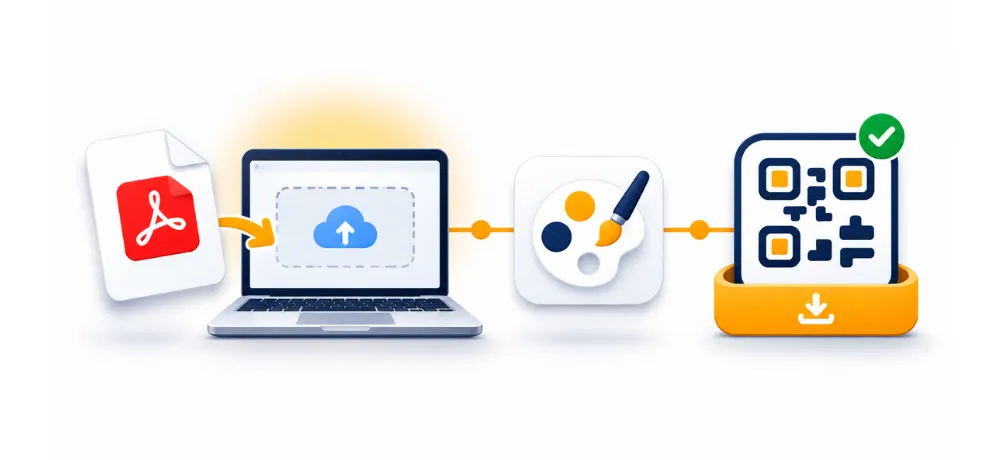
Open the PDF QR code generator, upload your file, style the code and download it. The create flow has three steps: choose the QR type, fill in the content form, then design. Most people finish in a few minutes, and the live preview shows the code as you change colors and shapes.
1
Go to the PDF QR code generator and choose the PDF type. PDF codes are dynamic, so they save to your account.
2
Upload your PDF in the content form and give the code a name you will recognize in your list.
3
Design the code: colors, body and eye shapes, a logo if you have one, and a frame. Use error correction level H (30%) if you add a large logo.
4
Download the code as PNG, SVG, JPG or WebP. Print files usually want SVG, which stays sharp at any size.
5
Test it with an iPhone and an Android phone before you print. Open the PDF, check that it loads, and confirm the text is readable.
Dynamic codes save to your account and count against your plan's dynamic code limit. Name them clearly from the start, and use folders and tags in My QR Codes once you have a few.
Section 03
Why is a PDF QR code dynamic?
On QR Code Rabbit a PDF QR code is dynamic because the file is hosted for you and the code points to a short link. A static code encodes its content directly in the pattern, which cannot hold a whole document. The short link is also what lets you edit, pause, protect and track the code.
Need | Static code to a URL | Dynamic PDF QR code |
|---|---|---|
File hosted for you | — | ✔ |
Update content without reprinting | — | ✔ |
Scan analytics | — | ✔ |
Password, schedule, expiry, scan cap | — | ✔ |
Keeps working after a plan ends | ✔ (if the link stays up) | — |
Cost on QR Code Rabbit | Free forever | Up to 3 codes during the 1-year free plan, then a paid plan |
Capabilities as published by QR Code Rabbit in October 2026. A static code to a URL needs a PDF you already host somewhere reliable.
If you already host the PDF yourself, a free static code made with the URL QR code generator works and never expires. The trade-off is that you lose analytics and the ability to change what the code does without reprinting. If you cannot predict whether the document will change, choose dynamic. For background, see our guides to static QR codes and dynamic QR codes.
Dynamic features you can use on a PDF code include a scan password, a scheduled go-live date, an expiry date, a maximum scan count, and pause or activate at any time. A restaurant can schedule a seasonal menu to appear on a set date, and an event team can let a schedule PDF expire after the show.
One honest limit: a dynamic code stays active for the length of your subscription and stops working when the plan expires, so a printed code that must last for years needs an active paid plan.
Section 04
How big should a PDF QR code be?
Print it at least 2 × 2 cm (0.8 × 0.8 in) for close-range use, and keep a white border of at least 4 modules around it. For signs and posters, allow about 1 cm of code for every 10 cm of scanning distance, so a code read from 2 m away should be about 20 cm wide.
Contrast: dark code on a light background scans most reliably. Light-on-dark and low-contrast gradients fail on some phones.
Logo size: keep it modest and set error correction to H (30%).
Mobile-friendly PDF: a PDF with 8 pt text is hard to read on a phone. Use larger type and a single-column layout.
Design counts too: custom-designed QR codes can get up to 70% more scans than plain black-and-white codes, according to QR Code Rabbit's own site. Add a short call to action next to the code, such as "Scan to view the menu", so people know what they will get.
Section 05
What mistakes break PDF QR codes?
1
Printing before testing. Scan the exact artwork on two phones, not just the preview on your screen.
2
Skipping the quiet zone. A frame or busy background touching the code makes scanning slow or impossible.
3
Uploading a huge scan. A PDF made of photographed pages loads slowly on mobile data. Export a compressed, text-based PDF instead.
4
Letting the plan lapse. The dynamic code stops working when the subscription ends, and printed copies cannot be fixed. Set a renewal reminder.
5
Using the code where there is no signal. Basements, trains and trade-show halls can have poor coverage. Put a short URL or a plain "ask staff" note nearby.
6
No call to action. A bare square gets fewer scans than a labelled one.
After launch, check the analytics. The dashboard shows total and unique scans, top cities and countries, device type, operating system and peak hours. If scans arrive mostly at lunchtime from nearby cities, you know the placement works.
Section 06
Where do PDF QR codes work best?
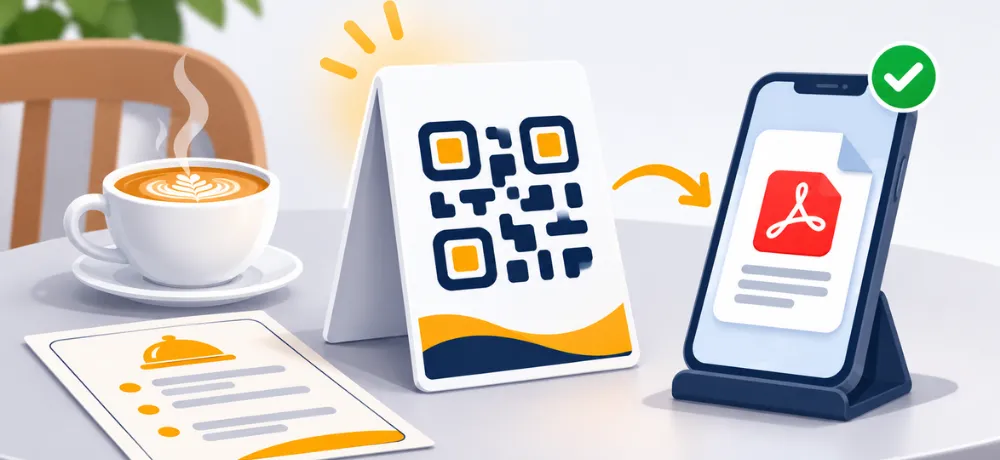
Restaurants and cafés: a touchless PDF menu on a table tent. Schedule a seasonal menu to go live on a set date.
Events and conferences: schedules and maps on badges and signs, with an expiry date once the event ends.
Education: course notes, assignments and syllabi on handouts and classroom walls.
Retail and packaging: manuals, care guides and warranty cards on the box.
Real estate: property brochures on for-sale signs.
Healthcare: patient forms and information sheets at reception.
For several documents at once, such as a menu, a map and a booking link, a Links Page QR code can hold them behind one scan. For a document you already host, a free static URL QR code is enough.
Turn your PDF into a QR code
Up to 3 dynamic codes in the 1-year free plan · No watermarks · No credit card
Create a PDF QR code →
FAQ
Is a PDF QR code free?
Static QR codes are free forever, but a PDF QR code is dynamic on QR Code Rabbit. The free plan lasts 1 year and includes up to 3 dynamic codes with unlimited scans. After that, dynamic codes need a paid plan.
Can I change the PDF after I print the QR code?
Yes, that is the point of a dynamic code. The printed pattern stays the same and you update the content in the edit wizard, so nothing needs reprinting. Confirm the new file opens correctly by scanning again.
Do people need an app to open a PDF QR code?
No. iPhone (iOS 11 and later) and most Android phones scan QR codes with the native camera app. The code opens a hosted viewer page where the PDF can be read and downloaded.
What happens to my PDF QR code if my plan expires?
A dynamic QR code stays active for the length of your subscription and stops working when the plan expires. If a printed code must last for years, keep a paid plan active.
How big should a PDF QR code be when printed?
At least 2 × 2 cm for close-range use, with a quiet zone of at least 4 modules. For signage, allow roughly 1 cm of code per 10 cm of scanning distance.
Can I track who scans my PDF QR code?
Yes. Dynamic codes include scan analytics: total and unique scans, top cities and countries, device type, operating system and peak hours.
Can I protect a PDF QR code with a password?
Yes. Dynamic codes let you set, update or remove a scan password, and you can also schedule a go-live date, set an expiry date or cap the number of scans.
A PDF QR code generator turns a long document into a single square people can scan. Choose dynamic when the file may change or you want scan data, keep a paid plan active for as long as the print lives, and test on real phones before you send anything to the printer.
QR Code is a registered trademark of DENSO WAVE INCORPORATED.
Related Articles
12 Diwali QR Code Ideas for Shops, Families & Brands (2026)
UPI payments, WhatsApp orders, expiring offers and video blessings, with the right QR type for each
How to Create a Menu QR Code for Restaurants (Step by Step)
Pick PDF or URL, design it, size it for the table, and update your menu without reprinting.
What You Will Find on the QR Code Rabbit Blog
We publish practical guides, plain-language explainers, and occasional news about QR adoption and security. The audience is shop owners, marketers, teachers, and developers who use QR codes in real projects — not theory for its own sake.
How-to articles
Step-by-step pieces for menus, badges, packaging, forms, UPI labels, and social profiles. Most include sizing tips and a short testing checklist.
Knowledge base posts
Capacity limits, error correction, static vs dynamic architecture, and how scan tracking works — written so non-developers can follow, with enough depth for integrators.
News and security
Retail and fintech adoption stories, product updates, and reminders about quishing and safe scanning habits as QR usage grows.
Resources and templates
Campaign checklists, design consistency notes, and pointers for teams rolling QR out to many locations or via API.
New posts regularly
Browse by category — how-to, knowledge base, news, resources — or read everything on the main blog index. No paywall, no login required.
Ready to try it? Create a free QR code on QR Code Rabbit.