

WhatsApp QR Code Generator: Pre-Filled Chats & Tracking
Let customers message you in one scan, with the first line already typed, and see which placements bring chats.
Use a WhatsApp QR code generator like QR Code Rabbit's free WhatsApp QR code generator: enter your country code, your WhatsApp number and an optional pre-filled message, style the code, and download it. No signup is needed for a static code. If you also want scan counts, put the same wa.me chat link inside a dynamic URL QR code instead.
Table of Contents
1. What is a WhatsApp QR code and how does it work?
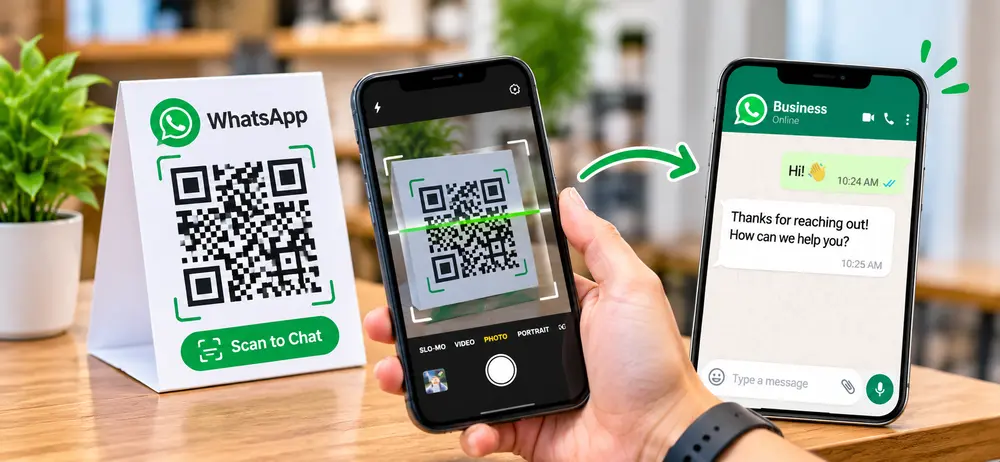
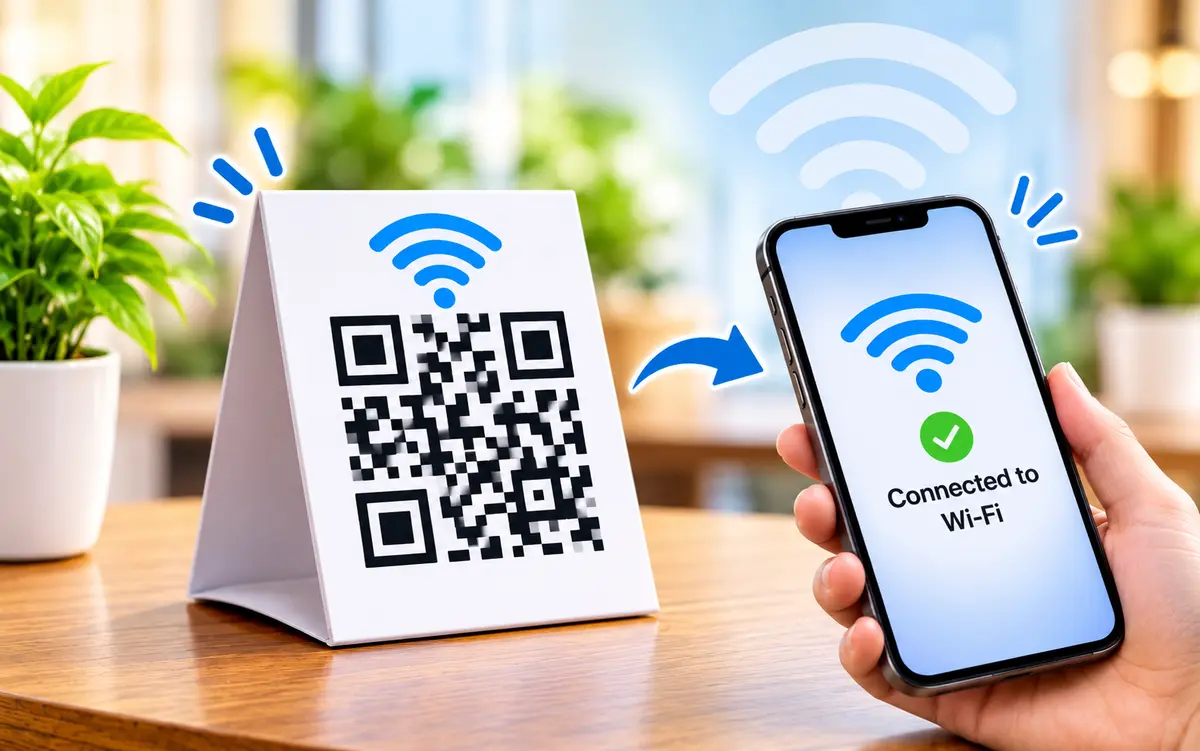
A WhatsApp QR code is a click-to-chat link stored in a QR code. When a customer scans it with a phone camera, WhatsApp opens a chat with your number, and if you added one, a pre-filled message is already typed in the box. They only have to tap send.
Under the hood it's a plain web link in WhatsApp's own format. According to WhatsApp's click-to-chat help page (checked November 2026), the link is https://wa.me/ followed by your full number in international format, with any zeroes, brackets or dashes removed. A message is added as ?text= followed by URL-encoded text.
QR Code Rabbit's WhatsApp generator is designed for small businesses that want customers to message them without saving a number first. You enter a country code, your WhatsApp number and an optional pre-filled message, and it turns that into a static QR code you can style with your colours and logo and download free, with no account and no watermark. Static codes never expire and have no scan limit, because the chat link is stored in the pattern itself. The trade-off is that a static code can't be edited or counted. When you need to know how many people scanned a flyer, or want to change the number later without reprinting, QR Code Rabbit lets you put the same wa.me link inside a dynamic URL QR code. You then get total and unique scans, top cities and countries, devices and peak scan hours in the analytics dashboard.
2. Which WhatsApp QR code do you need?
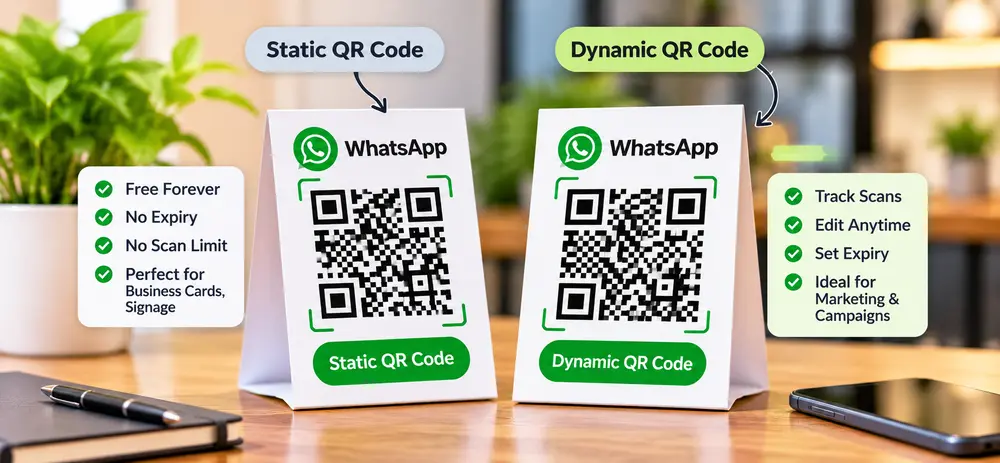
Pick static if you only need people to reach you and your number won't change. Pick dynamic if you want scan tracking, or if the number or message might change after you print. Both open the same chat for the customer.
Plan for the long run. A dynamic code stops working when your plan ends. For a sticker that will sit on a door for years, a static code is the safer choice.
3. How do you use a WhatsApp QR code generator?
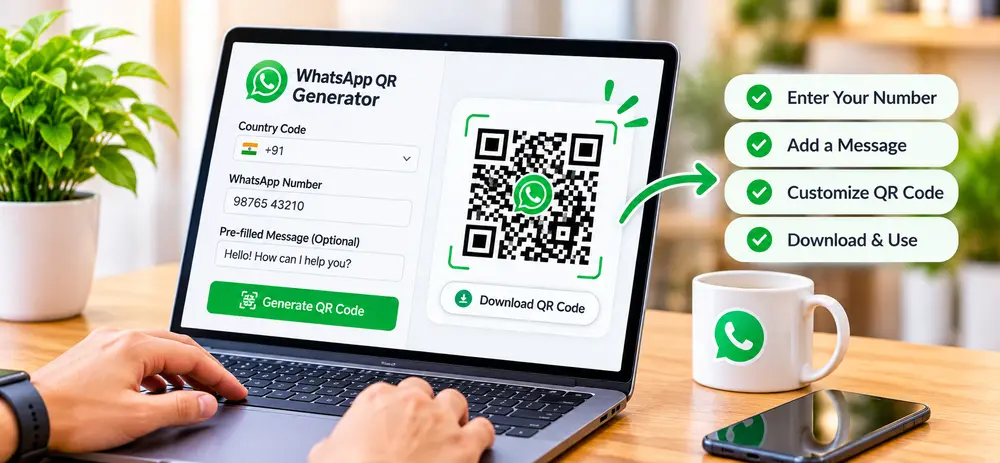
It takes about two minutes. Open the WhatsApp QR code generator, fill in three fields, design it, and download. Here are the steps for a static code.
4. How do you write a good pre-filled message?
Write the sentence your customer would send anyway, in their words, and keep it short. A good pre-filled message tells you where they came from and what they want, so you can reply without asking.
✓ Works well
"Hi, I'd like to book a table for tonight."
"Hi, I saw your Diwali flyer. Is the offer still on?"
"Order status please. Order no: "
✗ Avoid
A long paragraph the customer has to delete
Your own sales pitch written as if the customer said it
Prices or offer dates you might change later
Short is safer. WhatsApp's own Business Platform QR codes cap pre-filled messages at 140 characters, according to Meta's developer documentation (checked November 2026). wa.me links aren't bound by that cap, but it's a sensible length to aim for.
If you build the link by hand, URL-encode the text: a space becomes %20, a line break %0A, & becomes %26 and # becomes %23. An unencoded & or # cuts the message off at that point.
Source tags in the message. Give each placement its own wording, like "Hi (counter)" or "Hi (Instagram)". Every chat then shows where it started, even on a static code.
5. How do you track WhatsApp QR code scans?
You track scans by sending people through a dynamic QR code. A static WhatsApp code opens the chat directly, so nothing sits in between to count it. A dynamic URL code in QR Code Rabbit points at a short link that records the scan and then forwards to your wa.me link.
Build your wa.me link with your number and message.
In QR Code Rabbit, create a QR code, choose Dynamic and the URL type, and paste the link.
Name it after the placement, such as "Flyer - Nov", and add it to a folder or tag.
Design, save and download it.
Open Analytics to see total and unique scans, top cities and countries, device type, operating system and peak scan hours.
Make one dynamic code per placement (counter, flyer, packaging) and compare them in the dashboard. You can also pause a code, set an expiry date for a time-limited offer, or change the number it opens without reprinting. Read more in our guide to dynamic QR codes.
Scans aren't messages. Analytics counts scans. Someone can scan and not send. Use the pre-filled source tag to count chats that actually started.
6. Where should you put it, and how big?
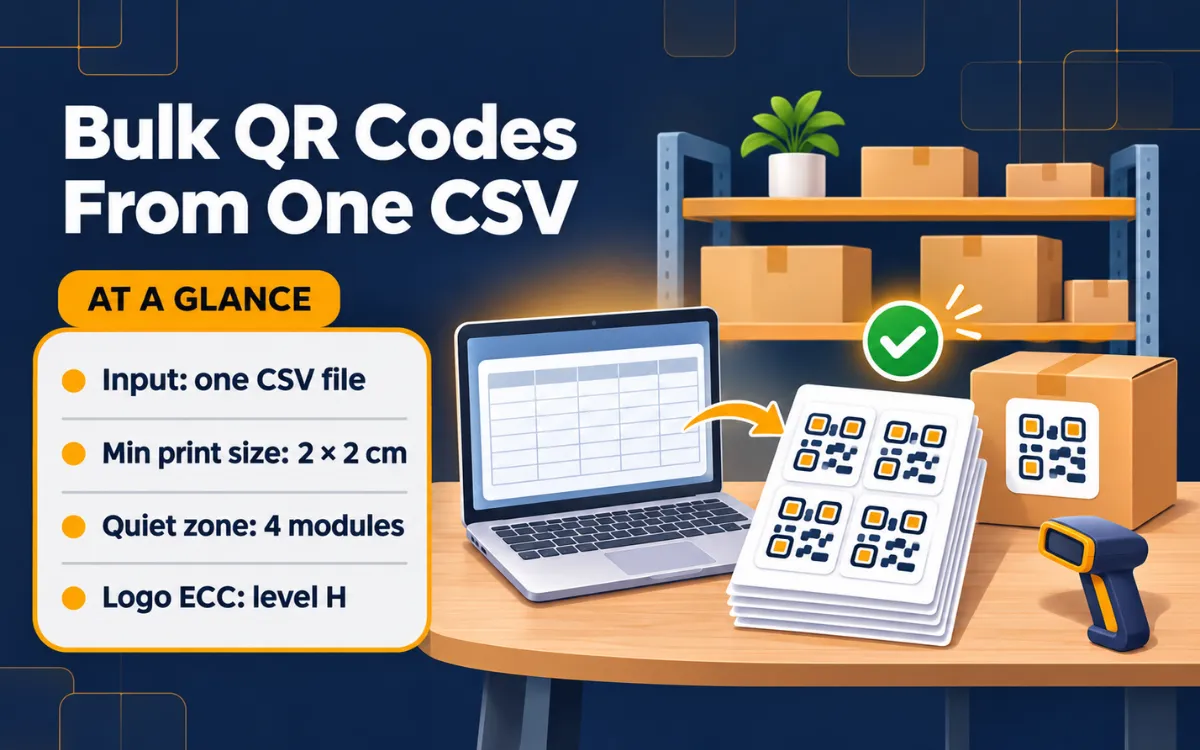
Put it where people already want to ask you something, and print it at least 2 × 2 cm. For signs read from a distance, allow about 1 cm of code width per 10 cm of scanning distance.
Leave a quiet zone of at least 4 modules of white space around the code.
Keep dark code on a light background with strong contrast.
Add a line of text beside it, such as "Scan to chat on WhatsApp". People scan more when they know what happens next.
Restaurants can pair it with a menu QR code; creators can add WhatsApp to a Links Page QR code.
7. What are the most common mistakes?
Most broken WhatsApp QR codes come from a badly formatted number. The rest come from printing too small or never testing.
Leaving in the + or a leading 0. wa.me wants digits only: country code, then the number.
Using a number without WhatsApp. The chat opens, but messages never arrive. Test with a friend's phone.
Unencoded symbols in the message. An & or # cuts the text short. Use the generator's message field or encode it.
Printing a static code for a number you might change. Use a dynamic code if the number belongs to a staff member or a temporary line.
No call to action. A bare code next to a logo gets ignored. Say what the scan does.
Skipping the test scan. Scan with iPhone and Android cameras, in good and dim light, before you print hundreds. You can also check an image with our free QR code scanner.
8. FAQ
Is the WhatsApp QR code generator free?
Yes. Static WhatsApp QR codes on QR Code Rabbit are free forever, with no signup, no watermark and no scan limit. Dynamic codes with tracking are included in the 15-day free plan (3 codes), then need a paid plan.
Can I add a pre-filled message to a WhatsApp QR code?
Yes. Type it in the Pre-filled Message field on the WhatsApp generator. When someone scans the code, WhatsApp opens your chat with that text already in the message box, ready to send.
Can I track how many people scan my WhatsApp QR code?
Not with a static code. Put your wa.me link in a dynamic URL QR code and QR Code Rabbit's analytics show total and unique scans, locations, devices and peak scan hours.
Does a WhatsApp QR code work with WhatsApp Business?
Yes. Use the number registered on your WhatsApp Business account. The code opens a chat with that number, whether it runs on the regular app or WhatsApp Business.
Do WhatsApp QR codes expire?
Static WhatsApp QR codes never expire. Dynamic codes work while your subscription is active and stop when the plan ends, so pick static for long-term prints.
A WhatsApp QR code generator turns a scan into a chat with one tap. Use a free static code for doors, cards and stickers. Use a dynamic URL code with the same wa.me link when you need scan counts or might change the number.
What You Will Find on the QR Code Rabbit Blog
We publish practical guides, plain-language explainers, and occasional news about QR adoption and security. The audience is shop owners, marketers, teachers, and developers who use QR codes in real projects — not theory for its own sake.
How-to articles
Step-by-step pieces for menus, badges, packaging, forms, UPI labels, and social profiles. Most include sizing tips and a short testing checklist.
Knowledge base posts
Capacity limits, error correction, static vs dynamic architecture, and how scan tracking works — written so non-developers can follow, with enough depth for integrators.
News and security
Retail and fintech adoption stories, product updates, and reminders about quishing and safe scanning habits as QR usage grows.
Resources and templates
Campaign checklists, design consistency notes, and pointers for teams rolling QR out to many locations or via API.
New posts regularly
Browse by category — how-to, knowledge base, news, resources — or read everything on the main blog index. No paywall, no login required.
Ready to try it? Create a free QR code on QR Code Rabbit.